ZigZag Channel Indicator MT4
MetaTrader Indicator
The ZigZag Channel indicator for MetaTrader 4 intelligently pairs the structural filtering of the traditional ZigZag indicator with an automated price channel plotted directly from the asset's relative swing highs and lows. By mapping major peaks and troughs while filtering out erratic intraday market noise, this layout gives trend-following and breakout traders a visually clean workspace to spot critical structural patterns like double tops and double bottoms. Operating seamlessly in the background, the software includes built-in alert configurations that instantly notify the trader the exact moment price action breaks through the established channel boundaries, highlighting high-probability entry and exit zones.
Alternative download link Added to cart — redirecting to checkout in 3 seconds...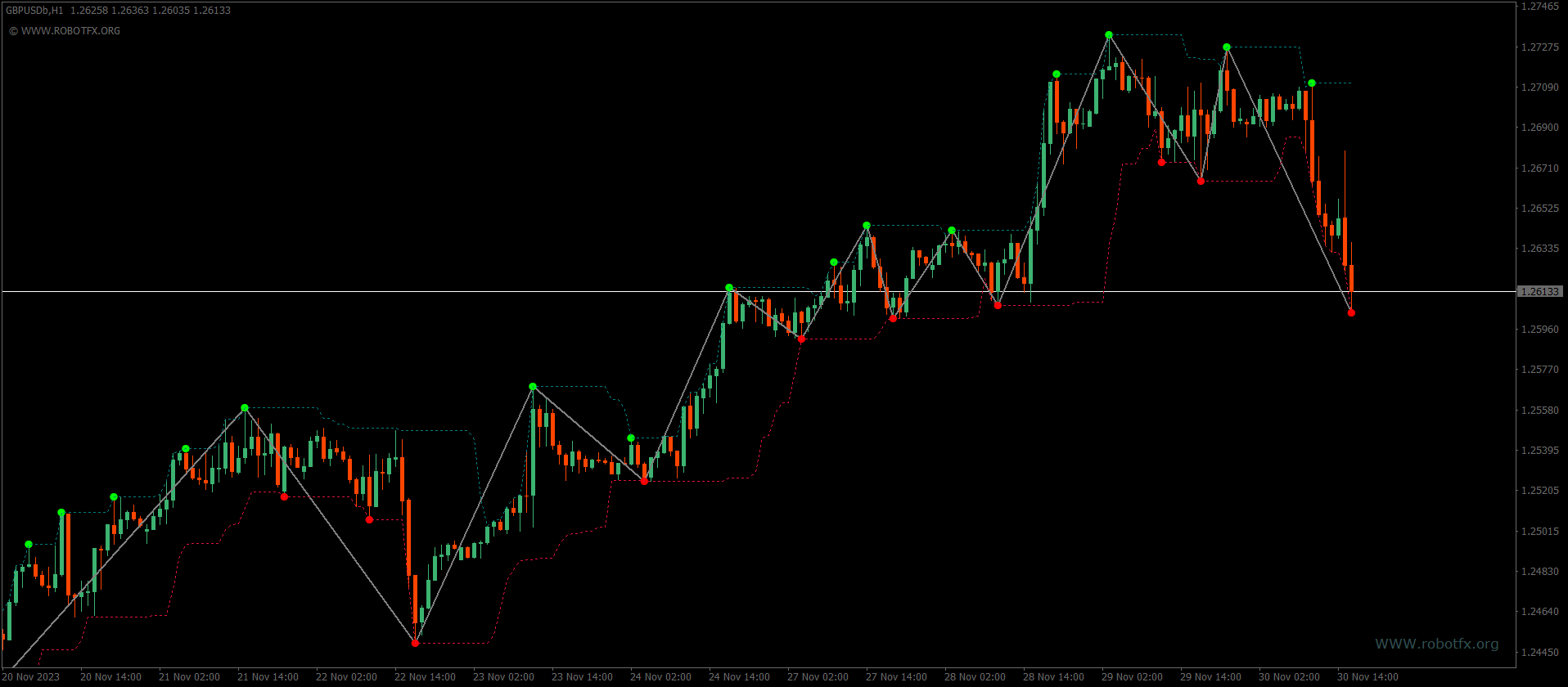
Key Features of the ZigZag Channel Indicator for MT4
The ZigZag Channel indicator helps traders identify market structure by connecting swing highs and lows. It builds a dynamic price channel that updates automatically as new swings form.
- Identifies swing highs and lows
- Builds dynamic price channels
- Helps detect trend reversals (double tops & bottoms)
- Useful for breakout trading strategies using technical indicators
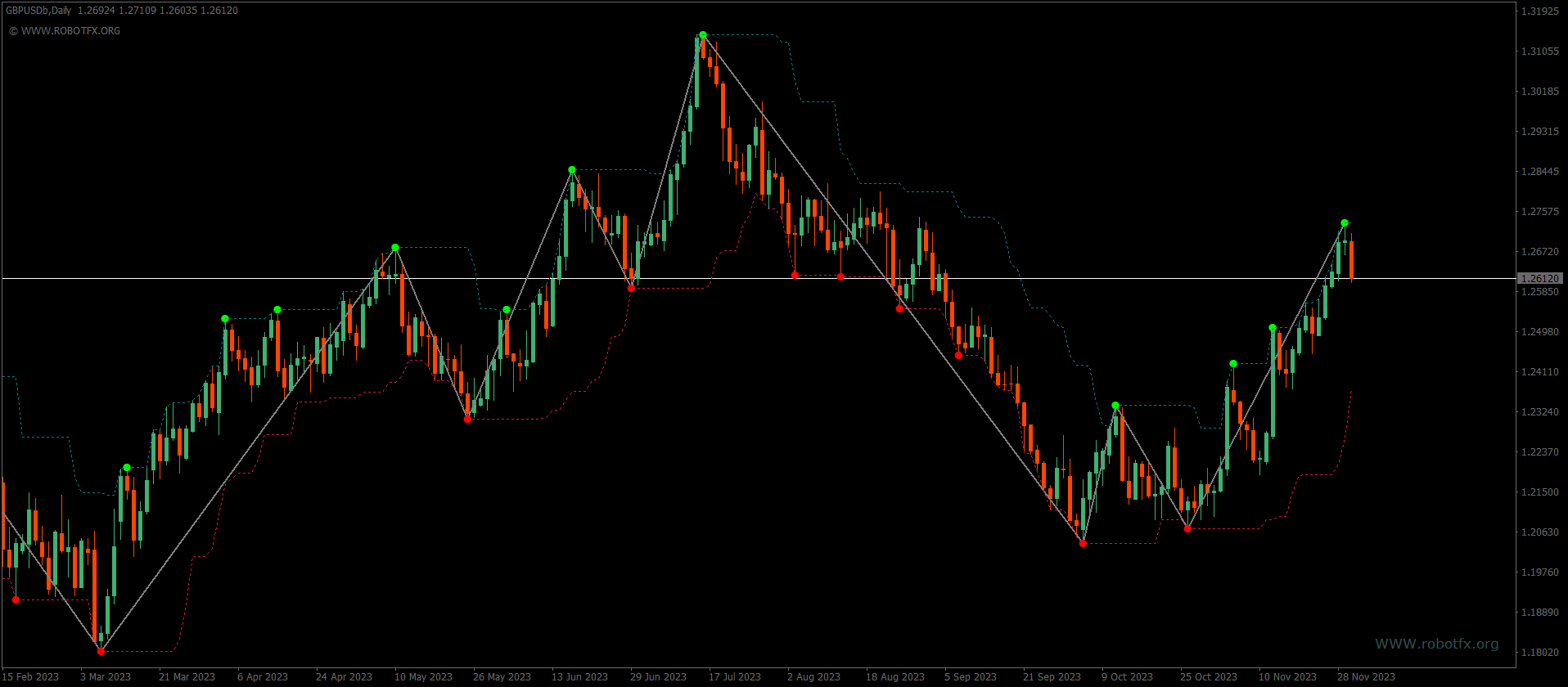
ZigZag Channel Indicator Trade Examples
How to Use ZigZag Channel Indicator
Trend Trading: Trade in the direction of the channel slope after confirmed swing structure.
Breakout Trading: Enter when price breaks above resistance or below support of the channel built by a ZigZag Channel indicator.
Reversal Trading: Watch for double tops/bottoms at channel extremes.
FAQ
Does the ZigZag Channel repaint?
Yes, like most ZigZag-based tools, it updates swings as new price data forms.
Is it good for scalping?
It works best on M15 and above where swing structure is clearer, often alongside
other technical indicators.
Can I use it alone?
It’s better combined with confirmation indicators like RSI or moving averages.
RobotFX Suggested Video
The video will explain how the RobotFX Auto Recovery works and the strategy behind the loss recovery. Feel free to watch the rest of the videos too.